
Tabs
General Information
Tabs are used to maintain a clean structure throughout whole PPP. The visibility and also the order of tabs can be controlled via customizing. You can find default Tabs Field IDs in the Standard application (read about is here - BRF+ Applications). Tab names can also be changed or translated into other languages using Texts Decision Table.
The Customizing of Tabs has been thematically split up. For each of the following sections of this guide a separate Decision Table is used.
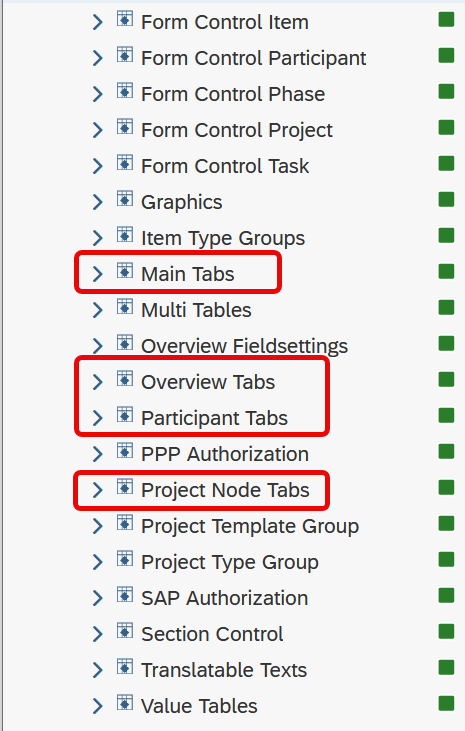
Main Tabs
Main Tabs are considered the uppermost list of tabs when opening an object’s Details View. They are customized in Decision Table: MAIN_TABS, Main Tabs.
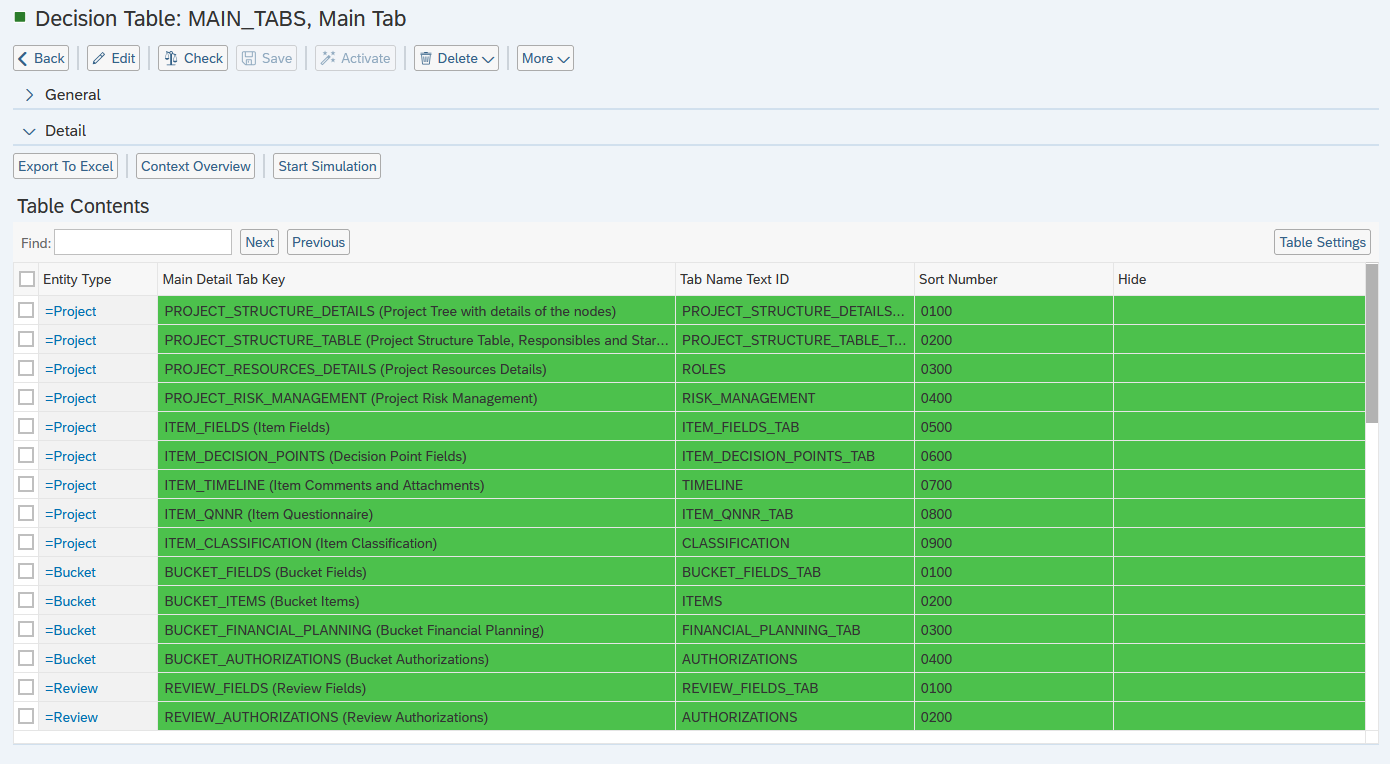
Depending on the entity type different tabs are available.
Item:
- Item → Item related fields and data
- Decision Points → Overview of all Decision Points and their details
- Timeline → List of Comments and Attachments
- Questionnaire → List of all the Item’s Questionnaires and their details
- Classification → Classifications table for setting portfolio/Bucket factors
- Financial Planning → Financial Planning table reflecting costs revenues and more
- Authorizations → Table for granting authorisations to particular users and user roles
- Risk Management → Risks/Opportunities Breakdown tables and their details
- Workflow Log → List of the customized workflows of the Item

Project:
- Project Structure → Tree-like structure of the Project off all its Nodes, detailed data of all Nodes
- Project Planning → Tree-like structure of the Project off all its Nodes, planning related data of all Nodes
- Roles → Lists all Roles of a Project
- Risk Management → Risks/Opportunities Breakdown tables and their details
- Workflow Log → List of the customized workflows of the Project

Bucket:
- Bucket → Bucket related fields and data
- Items → List of the Items belonging to the Bucket
- Financial Planning → Financial Planning table of the Bucket
- Authorizations → Tables allowing to set the authorization options for certain Users and User Roles

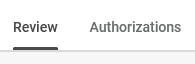
Review:
- Review → Review related fields and data
- Authorizations → Table for granting authorisations to particular users and user roles
Initiative:
- Initiative → Initiative related fields and data
- Items → List of the Items belonging to the Initiative
- Decision Points → Overview of all Decision Points and their details
- Review → Table displaying Reviews
- Roles → Lists all Roles of a Initiative and their data
- Timeline → List of Comments and Attachments
- Financial Planning → Financial Planning table of the Initiative
- Authorizations → Tables allowing to set the authorization options for certain Users and User Roles
- Object Links → Object Links table

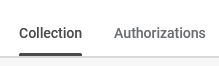
Collection:
- Collection → Collection related fields and data
- Authorizations → Tables allowing to set the authorization options for certain Users and User Roles
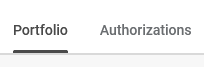
Portfolio:
- Portfolio → Portfolio related fields and data
- Authorizations → Tables allowing to set the authorization options for certain Users and User Roles
Business Partner
- Details → Business Partner related fields and data
- Statuses → Business Partner calendar status overview and status change table
- Locations → Business Partner calendar locations overview and status change table
- Availabilities → Business Partner calendar availabilities overview and availabilities change table

Overview Tabs
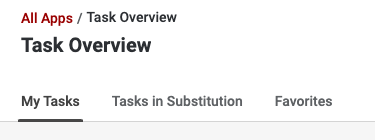
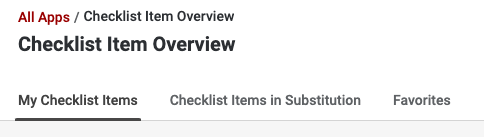
Overview Tabs are modified in Decision Table: OVERVIEW_TABS, Overview Tabs and also depend on the entity - item, project, task or checklist item.
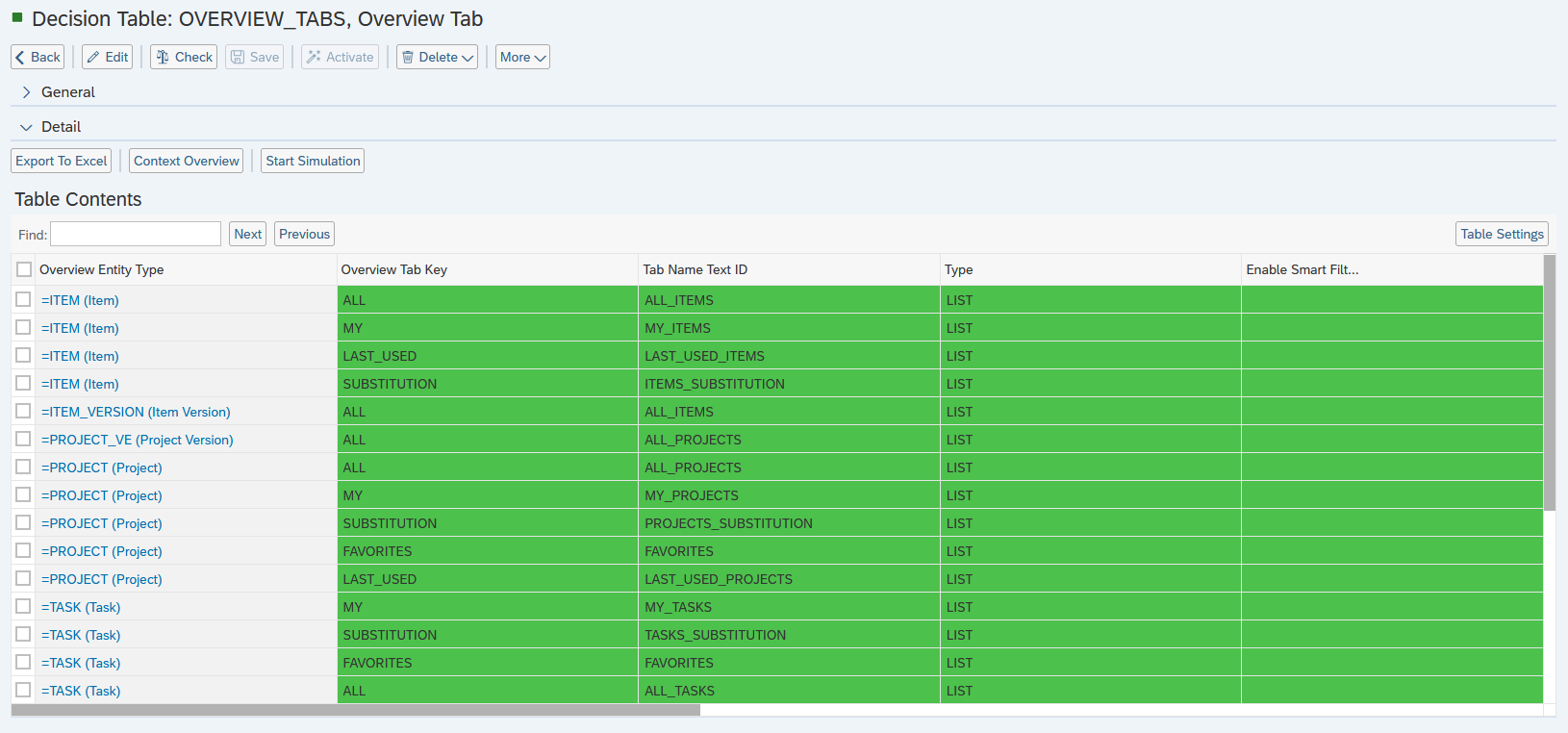
Customizing Overview Tabs effects the Tabs available in Overview lists.
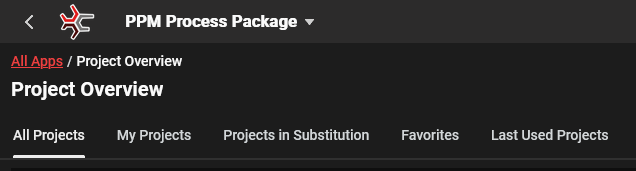
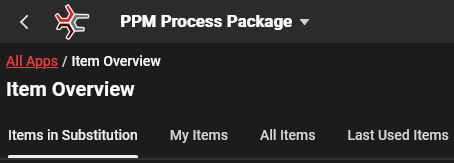
- All → Objects where the user has authorization
- In Substitution → Objects where the user is a substitute
- Favorites → Objects that have been marked as favorites
- Last Used → Objects that have been used recently
The PPP Standard Customizing provides these Overview Tabs by default:
Participant Tabs
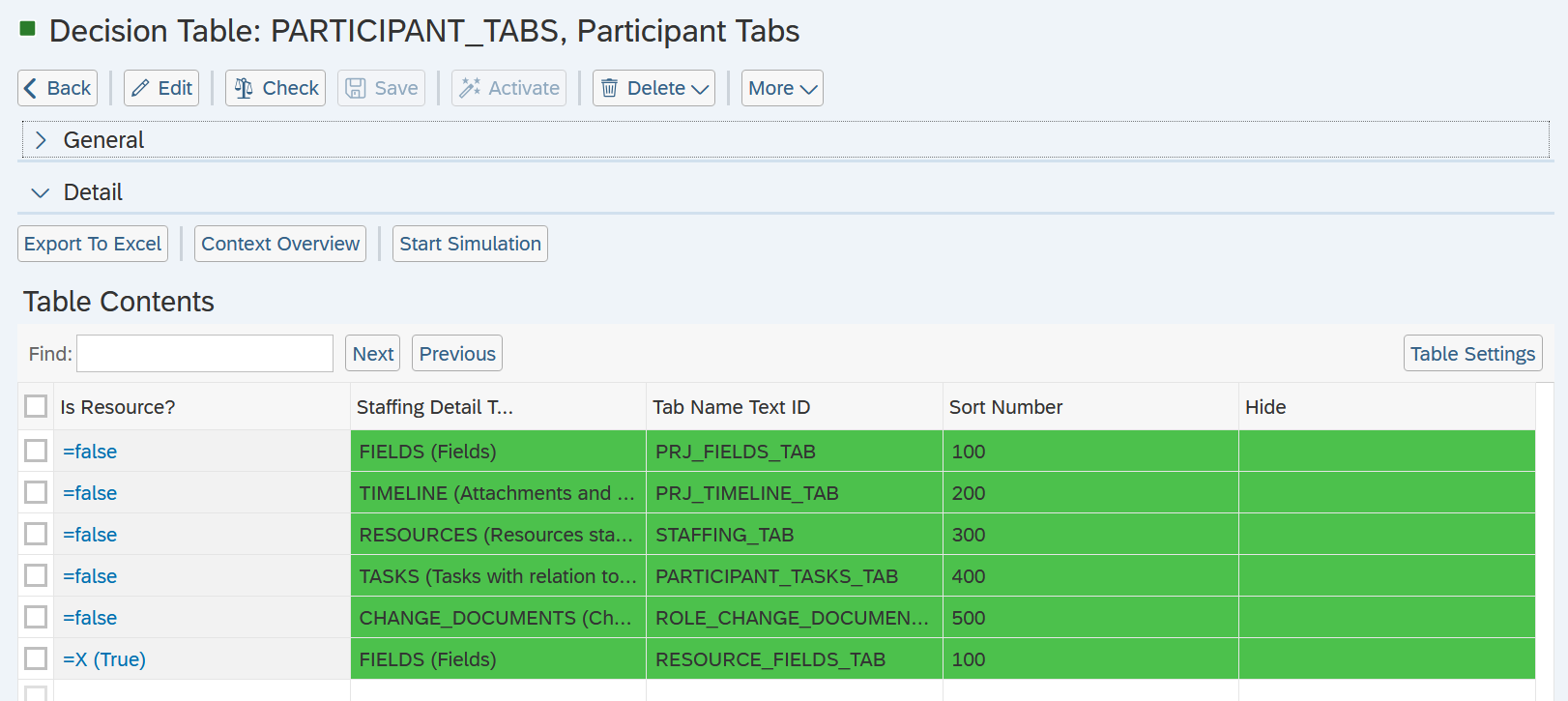
Decision Table: PARTICIPANT_TABS, Participant Tabs defines Participant Tabs.
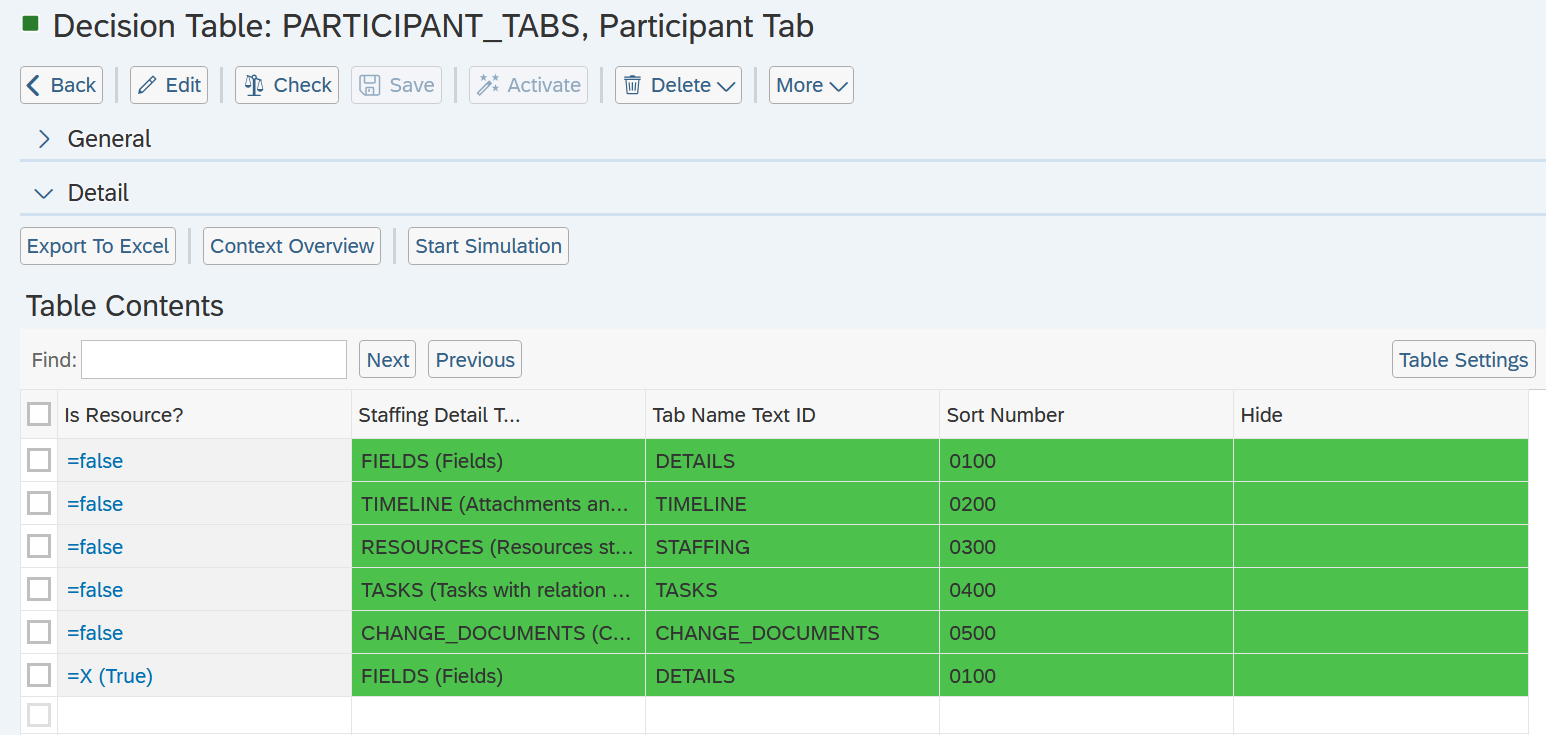
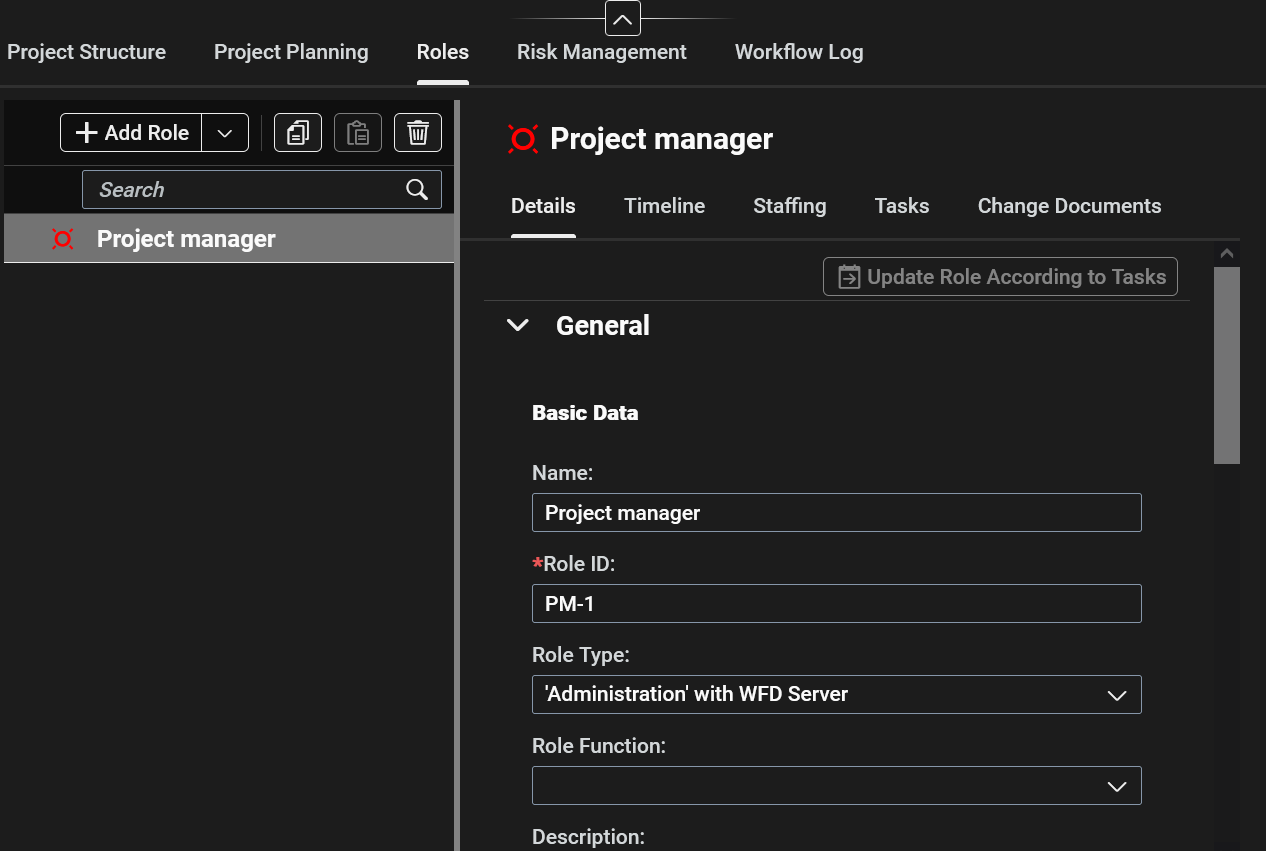
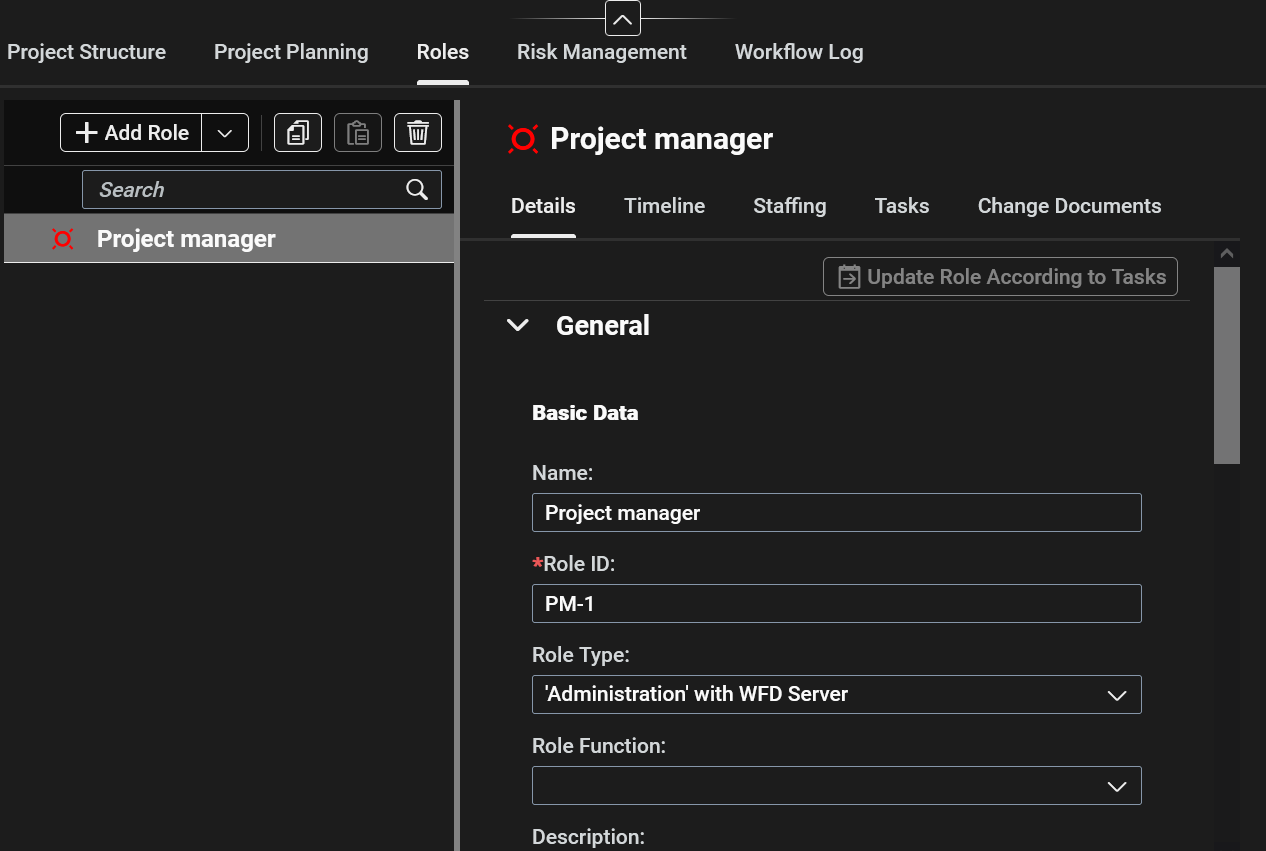
Customizing Participant Tabs effects the Tabs available in the Main Tab for Roles. A participant has to be selected in the List to access Participant Tabs.
- Details → Participant related fields and data
- Timeline → Lists Comments and Attachments for a Role
- Staffing → Lists Resources for a Role
- Tasks → Tasks where the Role is assigned
- Change Documents → Modifications to Details, Status, Staffing and Tasks data
Project Node Tabs
Project Node Tabs are customized in Decision Table: PARTICIPANT_TABS, Participant Tabs.
In PPP customizing Project Node Tabs effects the Tabs available in the Main Tab “Project Structure”. A “Project Node” has be selected in the List to access Project Node Tabs.
- Details → Project Node related fields and data
- Timeline → Lists Comments and Attachments per Project Node
- Object Links → Lists linked Objects
- Authorizations → Lists Authorizations per Project Node
- Relationships → only available for Tasks and Milestones, shows relationships to other tasks
See Also
- Customizing Main Tabs
- Customizing Overview Lists
- Customizing Role / Participant Tabs
- Customizing Project Node Tabs
Keywords
tabs customizing, decision tables, project and item management, role and participant management, overview and details view